SNMP monitoring for every device on your network
TarleyNode is self-hosted SNMP monitoring. Give it an SNMP v2c community or an SNMP v3 user and it monitors every active port, and the CPU, memory and hardware of switches, routers, firewalls, printers, UPSs and storage, with no agents. It receives SNMP traps too.
What it checks
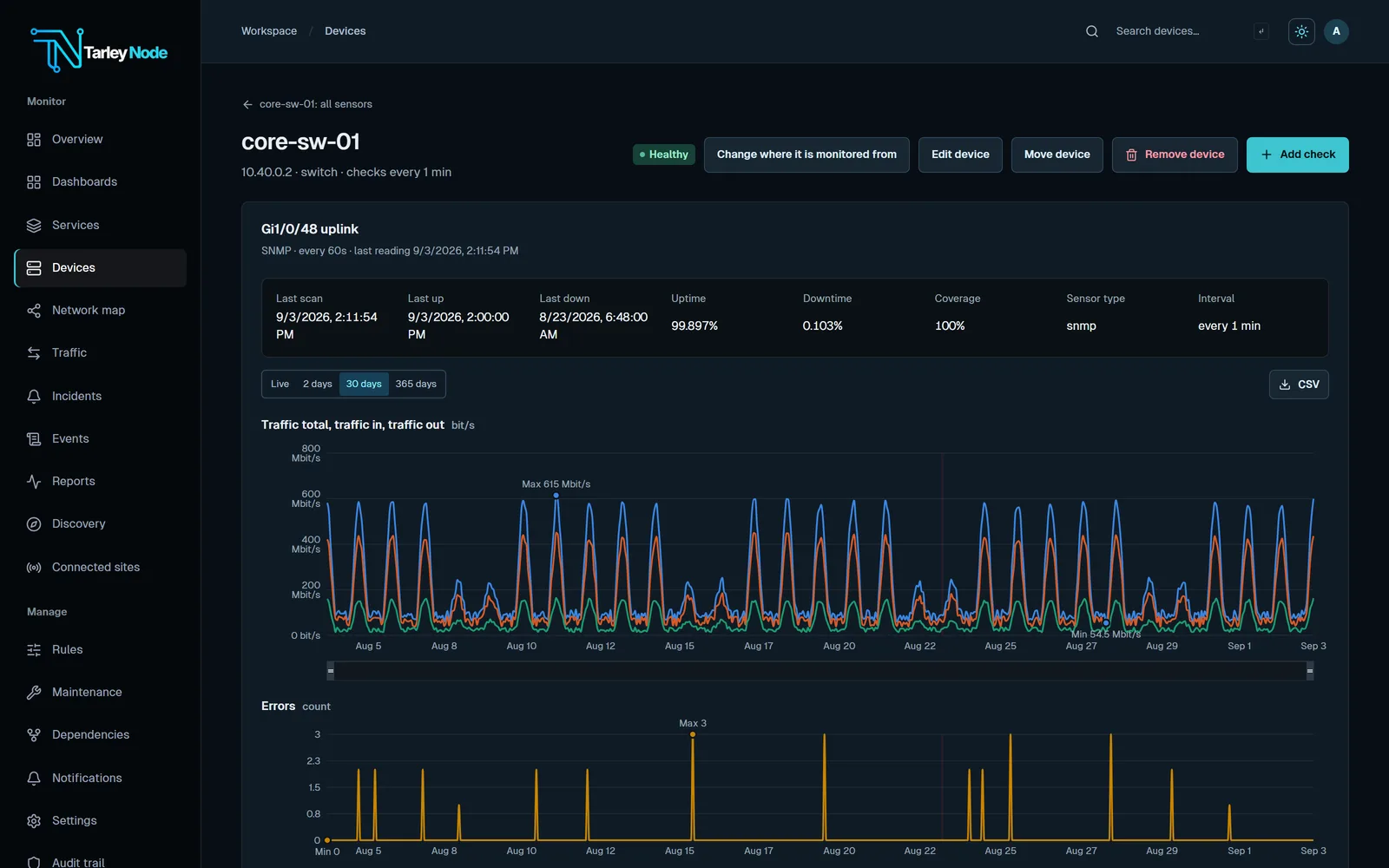
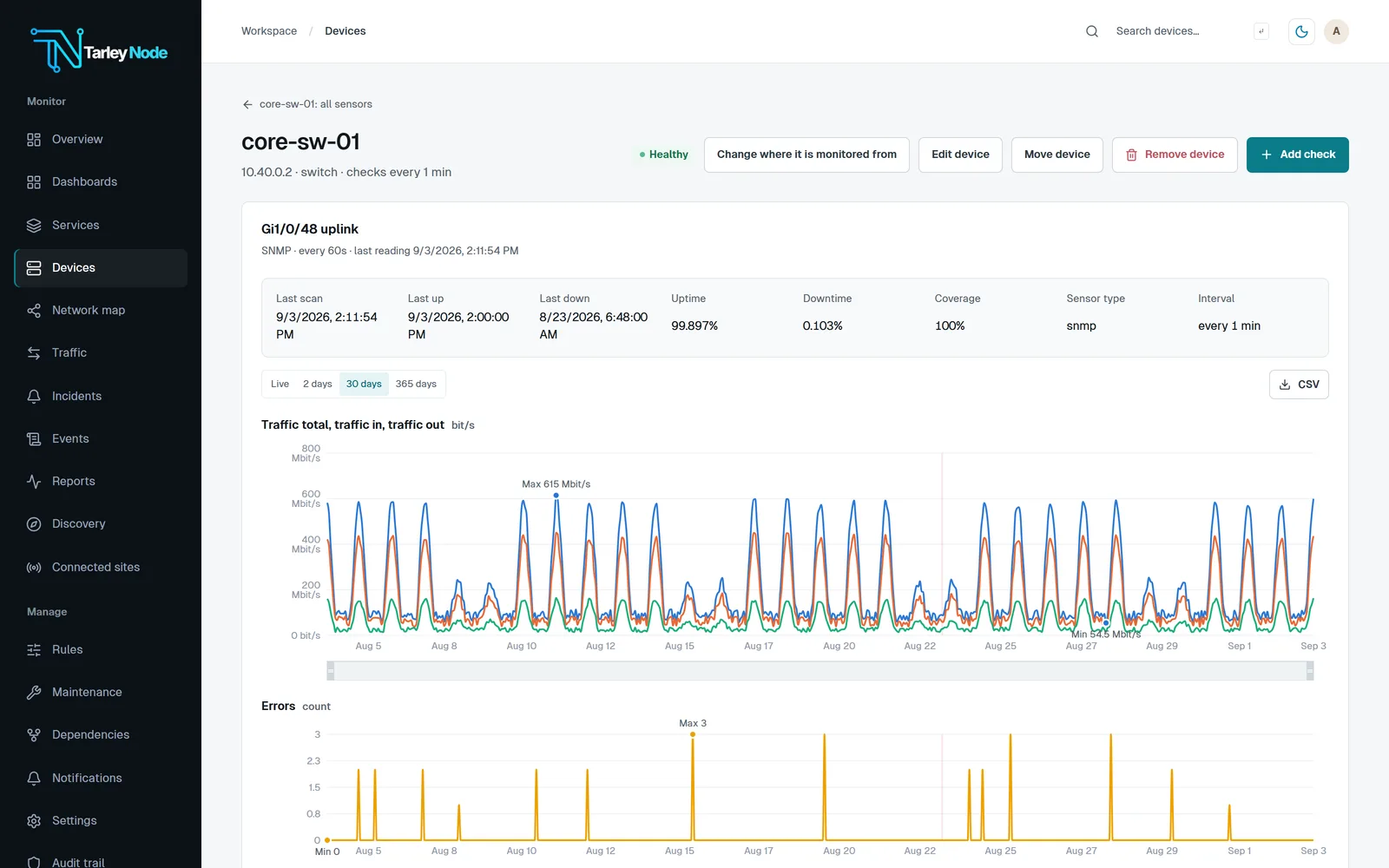
- Every active port on a switch, added automatically: traffic, errors and status.
- CPU, memory, disk and process checks, with the SNMP server resources and SNMP process checks.
- Hardware sensors, found and added automatically: temperature, fans, power supplies and PoE.
- Restarts, detected from device uptime even between checks.
- Vendor templates for Dell, HPE, FortiGate, Synology, QNAP, UPS units and printers, and, in beta, firewall profiles for Palo Alto, Check Point, Cisco ASA and Firepower, SonicWall, Sophos, WatchGuard and Juniper SRX.
- Any OID you name on the SNMP device check, with a MIB library for named OIDs and traps.
- Configuration backups over SSH with change history, for switches and routers that allow SSH.
Set it up
- Turn on SNMP on the device for the TarleyNode server’s address, using v3 where the device can.
- Open Discovery › Credential profiles, choose Add and pick SNMP v3 · authPriv (recommended) or SNMP v2c. Enter the same details as the device.
- Choose Scan now on the site and Add the devices you want, or use Devices › Add device.
- Assign the SNMP login on each device’s page under Logins, or once as the site’s SNMP login.
Traps, syslog and alerts
SNMP traps and syslog arrive under Events, and event rules turn messages into incidents. An SNMP v3 login is also accepted for SNMPv3 traps from the devices it monitors.
Every check starts with a default rule that down means an incident. Add thresholds on any value under Rules, and choose who hears about it under Notifications, from email and Teams to PagerDuty and SMS, with escalation until someone acknowledges.
Questions
Which SNMP versions does TarleyNode support?
SNMP v2c and SNMP v3. For v3 it supports SHA-1 to SHA-512 and MD5 authentication, and AES-128, AES-192, AES-256 or DES privacy, with SHA-256 and AES-128 as the defaults.
Do I need to install agents?
No. TarleyNode reads devices over SNMP from your own server, with nothing installed on the devices themselves.
Can TarleyNode monitor firewalls over SNMP?
Yes. Every firewall gets interfaces, uptime, and CPU, memory and hardware sensors from the standard MIBs. TarleyNode adds its own readings for FortiGate, pfSense and OPNsense, with Palo Alto, Check Point, Cisco ASA and Firepower, SonicWall, Sophos, WatchGuard and Juniper SRX in beta.
How often does it poll?
Every minute by default. With Check every on a device, every check on it can run from every 15 seconds to every hour, such as 15 seconds on a core switch.
Is SNMP monitoring free?
TarleyNode is free for up to 100 sensors after a 30-day trial with unlimited sensors. Paid licences start at USD 600 a year for 500 sensors.
Related
TarleyNode is offered by invitation while it is new. Request a demo to try it on your own network.